
Every tool your business needs, in one hub.
Start with the ones you use every day. Each shares the same clients, the same calendar and the same numbers, so nothing is typed twice. Hover the hub to see the apps it takes the place of.
Free to start, no card needed. Each tool is a small add-on, priced in your hub before you add it.
Projects, from first call to the last invoice.
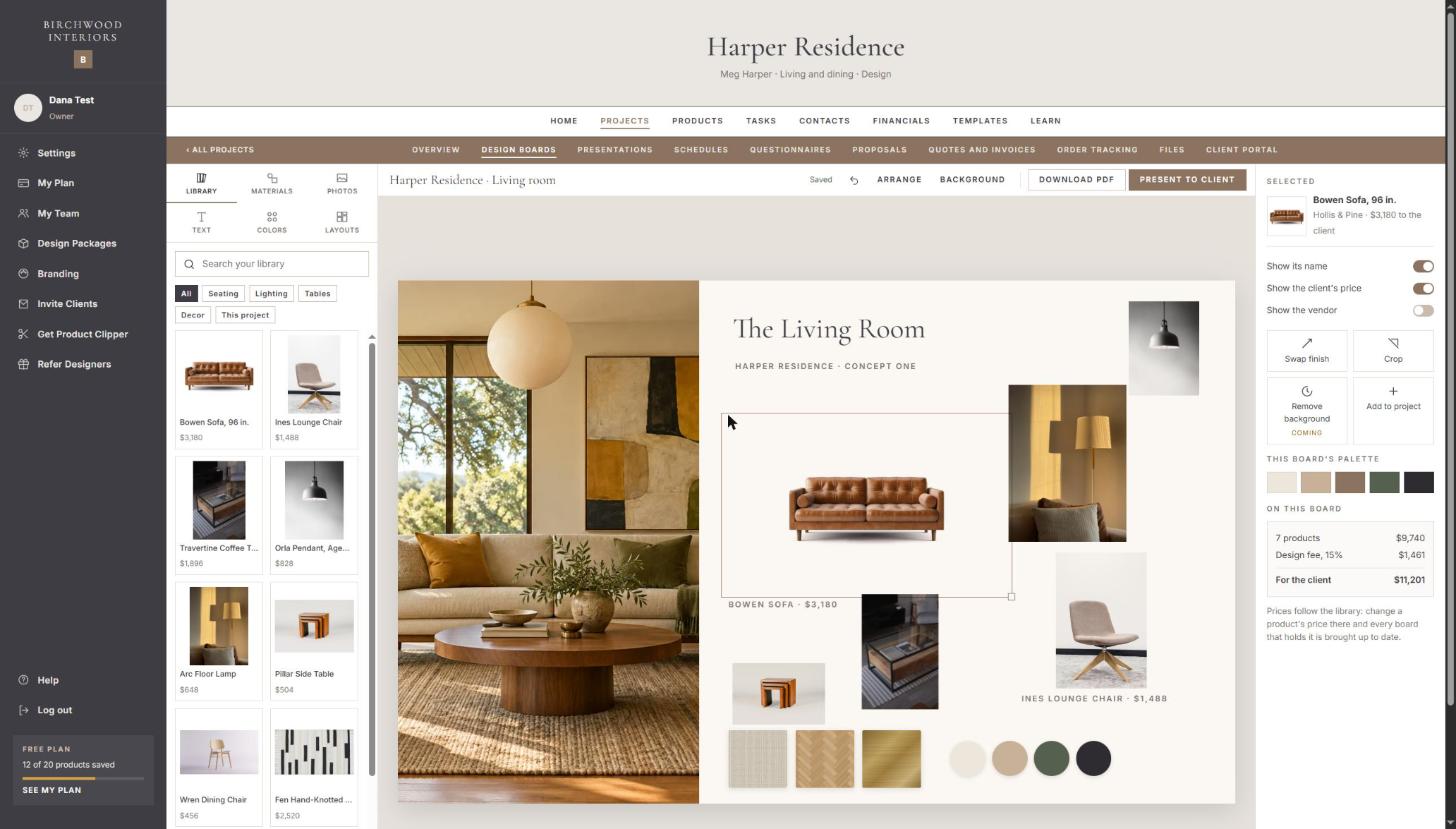
Every job by stage, with a timeline of what happens when, who is on it, and what it is costing against what you planned.
- Budgets, questionnaires, proposals, quotes and invoices on one record
- A timeline your client can follow in their portal
- Purchase orders tracked from ordered to installed
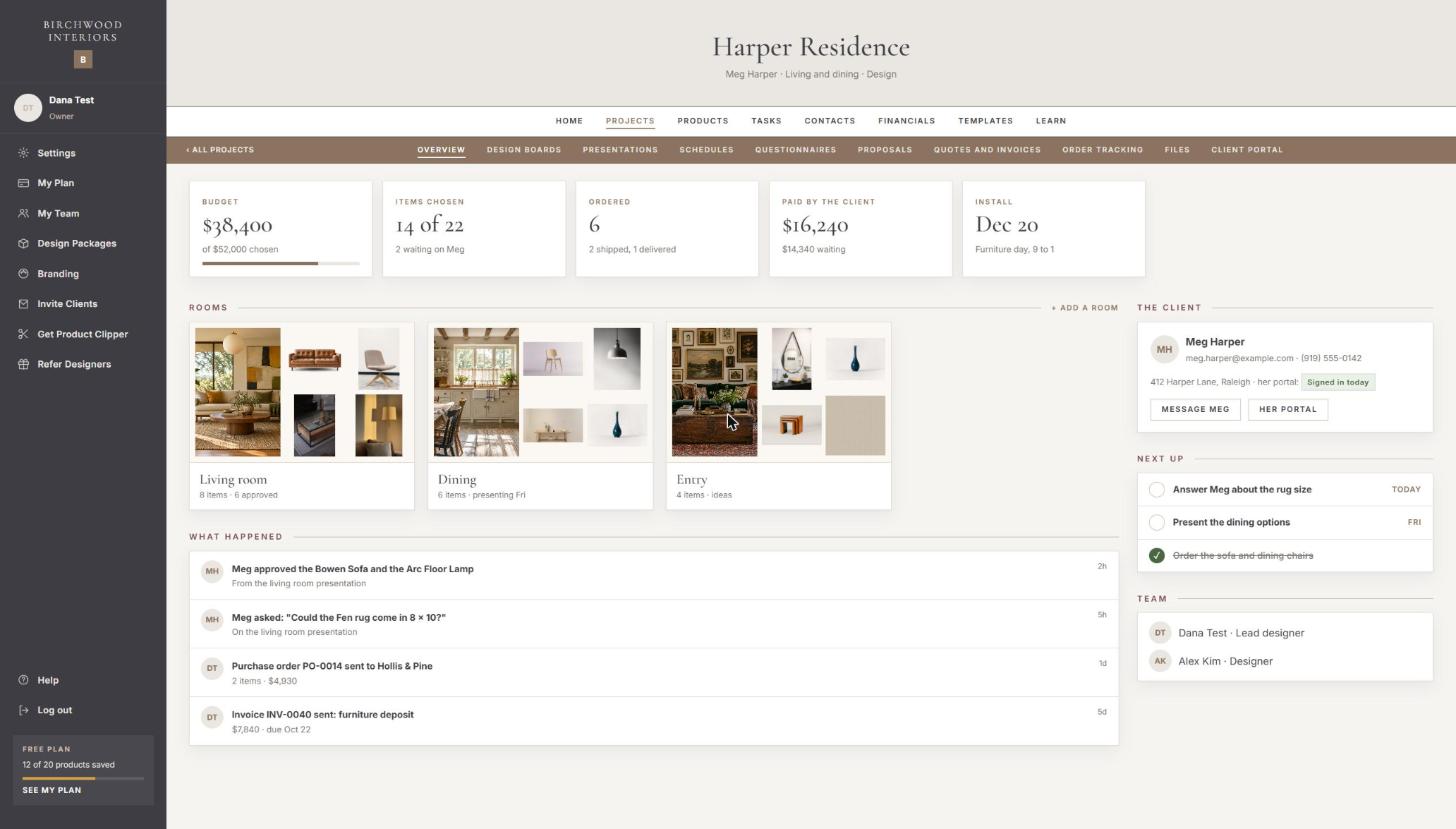
A portal your clients will love opening.
Each client gets their own place to see the design, approve pieces, answer questionnaires, sign and pay, all under your name, logo and color.
- Approvals and questions land in your hub
- You choose what each client sees
- No more chasing answers by email
Quotes, invoices and the books.
Quotes built from your prices and approved online, invoices paid by card in the portal, and money in and out by category, with a spreadsheet for your accountant.
- Deposits, progress payments and the balance, each on its own invoice
- Reminders sent for you before a payment is late
- A monthly chart of where the money went
Tasks and time, for you and your team.
Boards per project or per team, with owners, due dates and recurring tasks. Hours logged by person and job, compared with what you quoted.
- Recurring tasks for the work that comes back every week
- Hours and mileage on a pay sheet at month end
- A morning list of what is due today
Team chat, on the project it belongs to.
A thread on every project and client, with a notification bell, in place of the group text where decisions get lost.
- Every message kept with the project it is about
- Mention a teammate, and they are told
- Searchable, months later
AI and a phone assistant.
A phone assistant with your business’s name and voice answers every call, books consultations into your calendar and writes it all into your hub. Ask your hub anything, in plain words.
- Consultations booked straight into your calendar
- Follow-ups, reminders and summaries done for you
- “Who still owes a deposit?” answered from your own records
For interior designers.
Made inside a working design studio. These are the tools no general app has.
Clip any product, from any shop.
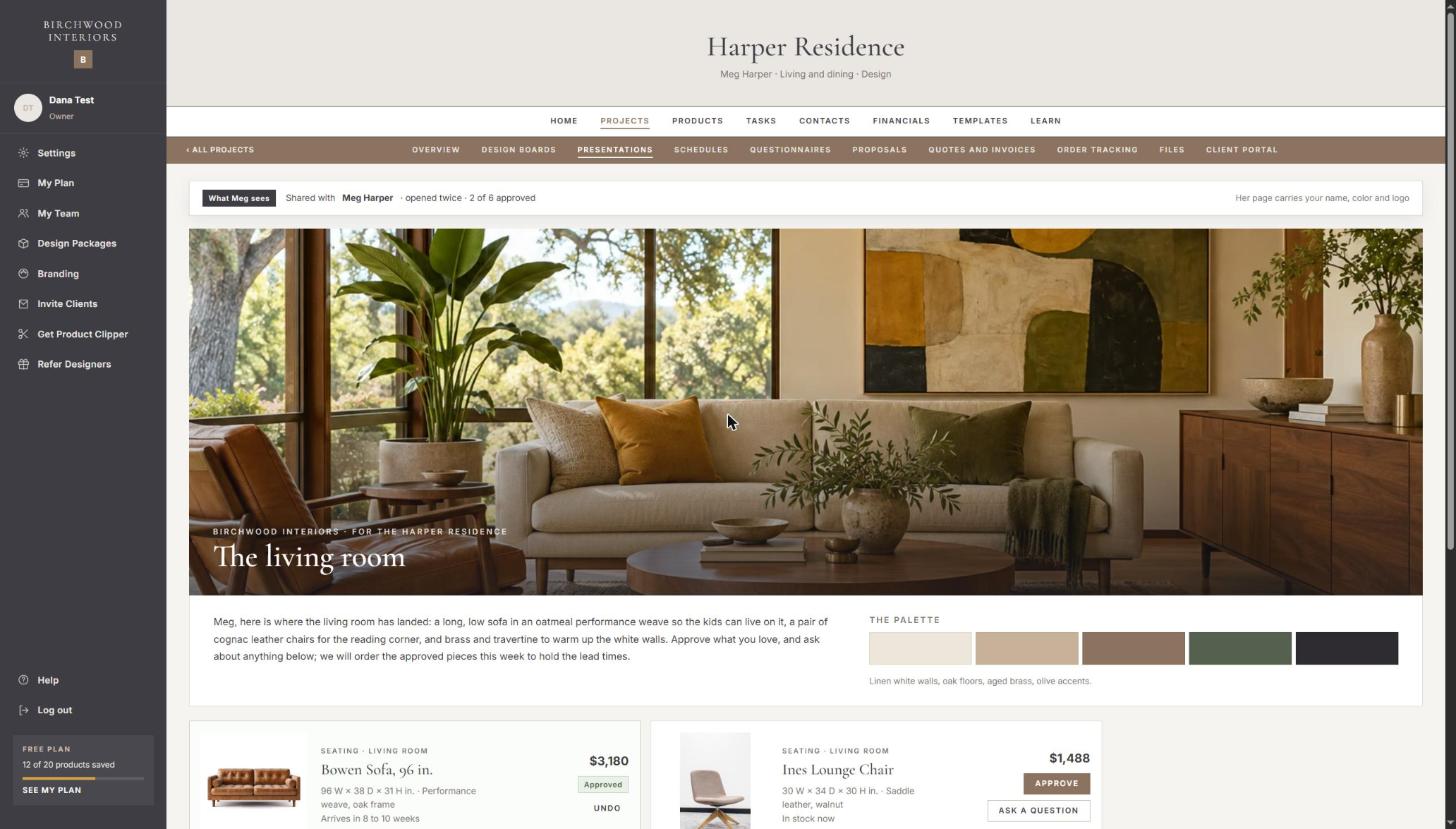
One click on a product’s page saves its name, prices, photos, sizes and finishes to your library, ready to use again on every project.
- Trade, retail and your markup, worked out for you
- Filter by room, vendor, finish, price and lead time
- Told when a price or a lead time changes
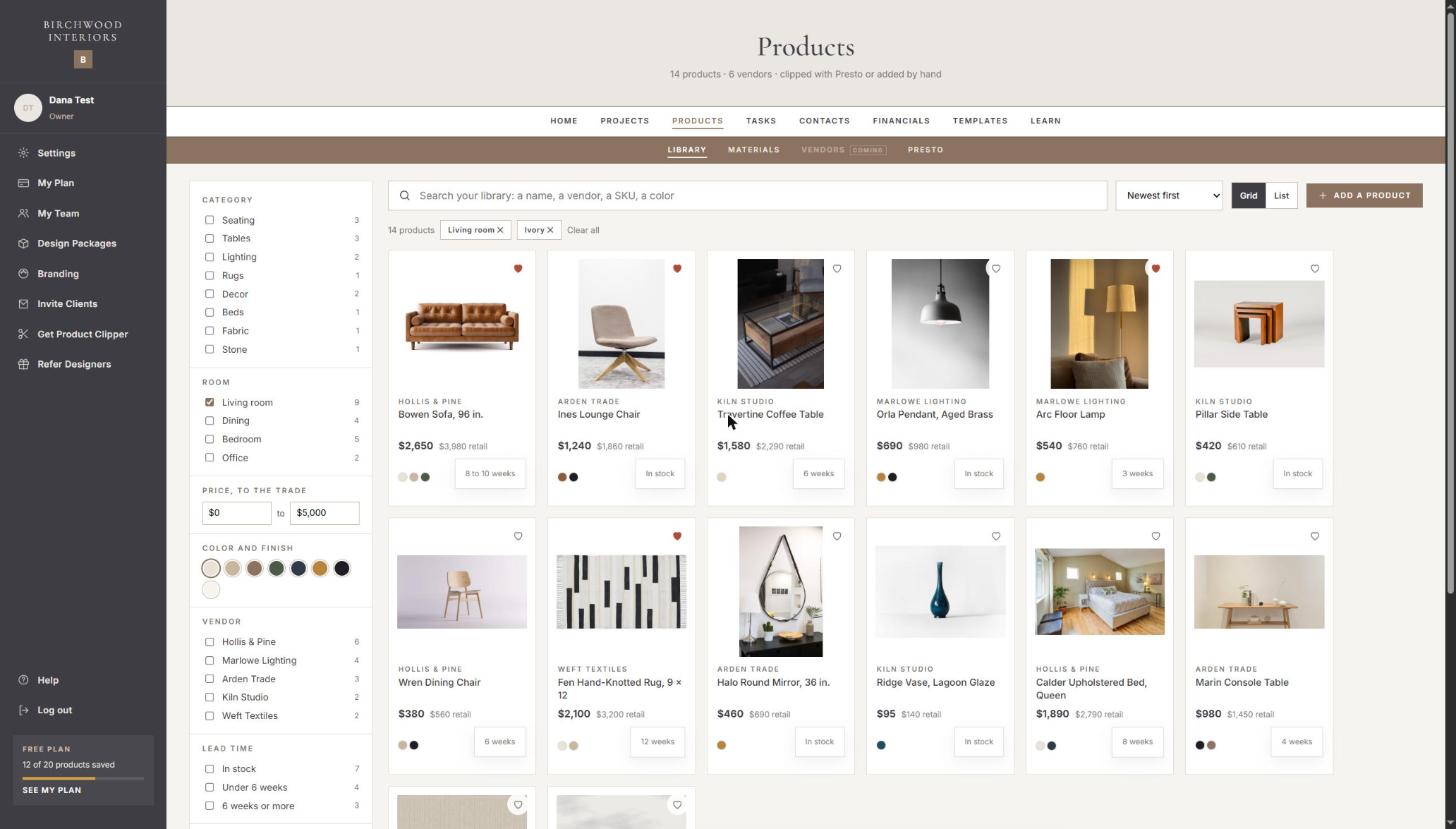
Designs your clients say yes to.
Drag products from your library onto a board, add materials and a palette, and present it. Your client approves each piece, or asks about it, from their phone.
- Templates for mood boards, rooms and materials
- Totals with your design fee, always up to date
- A PDF of any board, under your brand
Pick the tools you need, and start free.
Start free in a minute, then add each tool as a small add-on from inside your hub. The more you bundle, the less each one costs. Each does one job, and they share one hub: a product you save is on your boards and in your schedules without being typed again.
For design work
- PrestoOne click on a product page saves its name, prices, photos and details to your library.
- Product LibraryEvery product you save, with its vendor, prices and pictures, ready to use again.
- Design BoardsLay products from your library out on a board for a room, and share it with your client.
- SchedulesFurniture, finish and lighting schedules for a project, filled from its boards.
- ProcurementPurchase orders to your vendors, and where every item is.
For your clients
- Clients and LeadsEvery lead and every client in one place, from first inquiry to signed project.
- QuestionnairesYour own questions, sent to a client with a private link.
- Proposals and AgreementsProposals and agreements a client reads and signs online.
- Client PortalYour clients sign in to see what you share with them, under your name.
For running the business
- ProjectsEvery project, its phase and its tasks: who does what, and by when.
- Time TrackingHours against projects, mileage and expenses, and time away, for the whole team.
- Quotes and InvoicesQuotes a client approves on their own page, and invoices you mark paid.
Questions
Do I have to use every tool?
No. Start with the tools you use every day and add more when you need them.
Do the tools share information?
Yes. Every tool shares the same clients, the same calendar and the same numbers, so nothing is typed twice.
Can my clients see their own projects?
Yes. Each client gets a portal of their own under your name, logo and color, and you choose what each client sees.
Is there a free plan?
Yes. A ready-made hub is free to start, with no card needed. Each tool after that is a small add-on, priced in your hub before you add it.
Start free, or have us build it with you.
Your hub is a minute away. Or book a free call and we will show you what we would build around your business.